WhatsApp, Slack, SMS, or web: which channel should you choose for your agent?
The right channel is the one you already use. Here's a simple guide to choosing based on your business and your habits — so you can't get it wrong.

Which channel should you use for your Bridge Agent?
One of the first choices when deploying a Bridge Agent: which channel do you want to use it on? The answer is almost always the same: whichever one you already use.
WhatsApp — For freelancers and tradespeople
Ideal if: you run your business mainly from your smartphone, and you're used to sending short messages between tasks.
What it lets you do:
- Send a quick request while out and about or on site
- Get confirmations and alerts straight to your phone
- Share photos (quotes, finished jobs, today's special)
Typical profiles: plumber, electrician, painter, restaurant owner, hairdresser, sole proprietor
Slack — For teams and SMBs
Ideal if: your team already uses Slack to communicate. The agent plugs directly into your existing channels.
What it lets you do:
- Request a report or summary from a shared channel
- Assign tasks to the agent from a team conversation
- Get summaries and alerts where the whole team can see them
Typical profiles: teams of 5 to 500 people, SMBs with multiple staff, startups
Telegram — For online sellers and creators
Ideal if: you're comfortable with digital tools and want fast messaging with more flexibility than WhatsApp.
What it lets you do:
- Automate more technical workflows (product updates, orders, stock)
- Manage several agents from a single channel
- Receive structured files and reports
Typical profiles: online sellers, content creators, online shop owners
SMS — No app, no connection required
Ideal if: you're not very comfortable with apps, or you work in areas without reliable internet access.
What it lets you do:
- Work with a basic phone, no smartphone needed
- Send short requests from anywhere
- Receive confirmations and alerts by text
Typical profiles: tradespeople in rural areas, mobile professions, less tech-savvy users
Web interface — For those who prefer a desktop
Ideal if: you manage your business from a computer and prefer a dedicated space for your agent.
What it lets you do:
- View the full history of actions
- Give longer, more structured instructions
- Combine several agents in a single dashboard
Our recommendation
Start with the channel you use the most today. You can always add others later. The most important thing is to start with whatever feels natural to you.
Ready to transform your IT management?
Discover how Bridge Agent can automate your infrastructure in just a few minutes.
Related articles

Getting started with your Bridge Agent
Configure your agent’s mission, choose where to talk to it, connect your business tools and share reference documents through the vault.
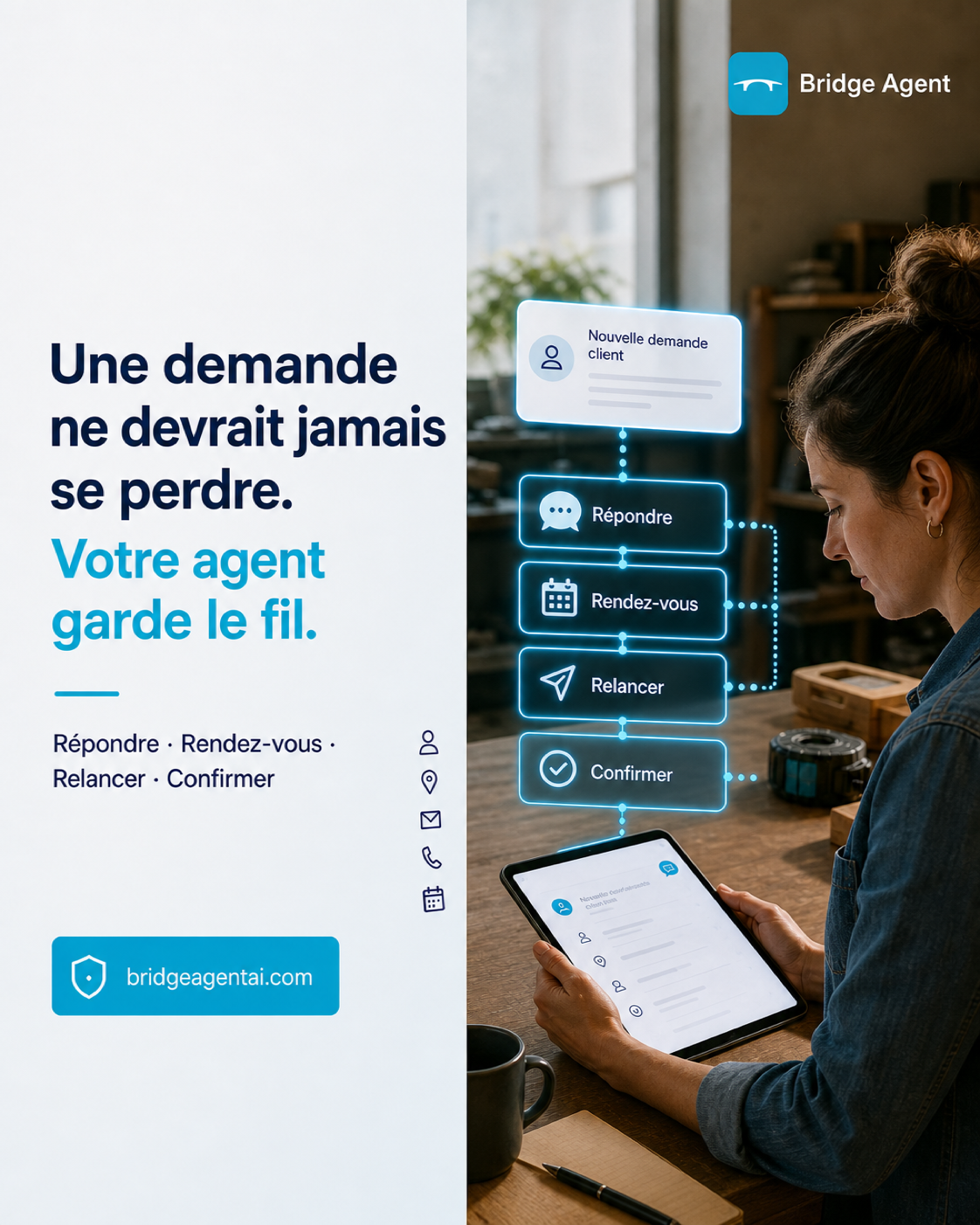
An AI agent that keeps the thread, from customer request to completed task
A quick answer is useful. Making sure a request is not forgotten afterwards is even more valuable: discover how an AI agent can help a small business track the next action.

Publish on social media with an AI agent, while staying in control
Prepare a draft, publish directly or schedule your content: Bridge Agent helps you stay visible while you keep the rules under control.